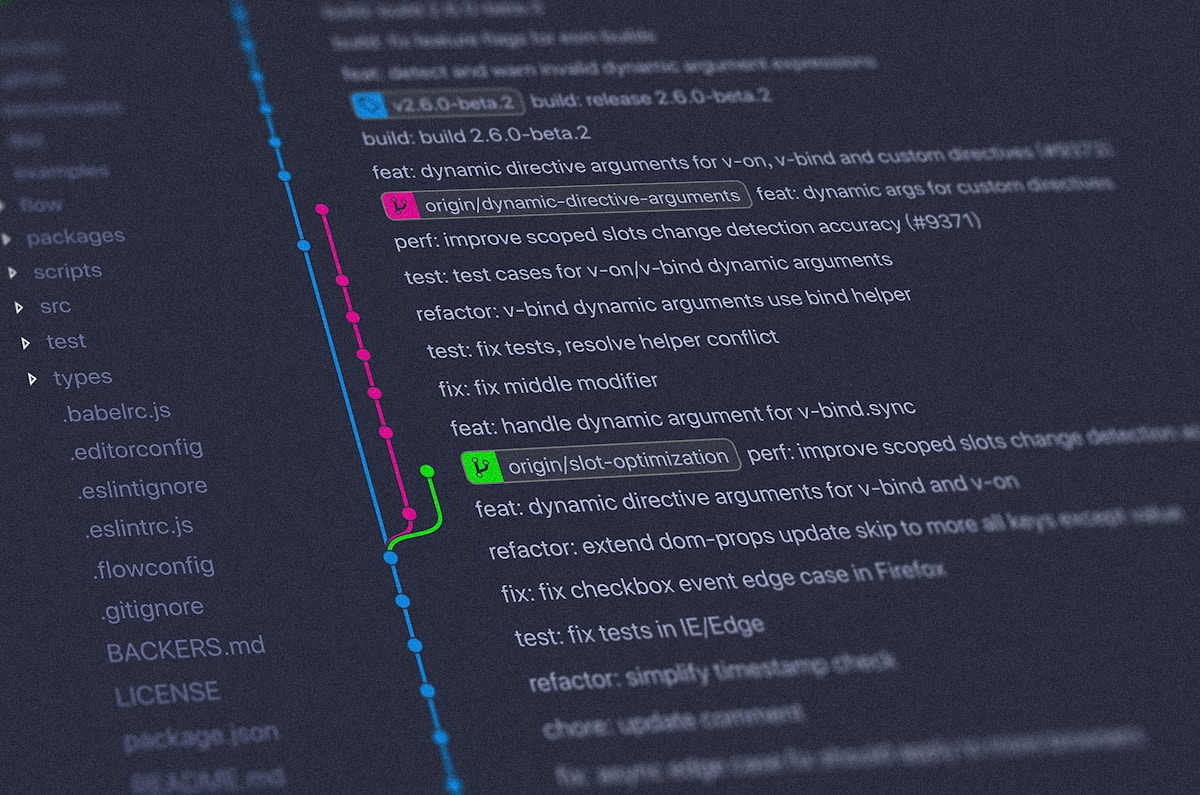
Git is the backbone of modern software development, yet many teams treat it as a simple save-and-upload tool rather than a powerful collaboration platform. A well-defined Git workflow reduces merge conflicts, speeds up code review, and creates a clear audit trail of every change. This guide compares the three most popular branching strategies and gives you the tools to pick — and adapt — the right one for your team.
Why Branching Strategy Matters
Without a shared workflow, teams quickly run into problems: long-lived branches that drift far from main, surprise merge conflicts hours before a deadline, or uncertainty about which branch to deploy. A consistent strategy solves these problems by answering three questions upfront:
- Where does new work start?
- How does it get reviewed and integrated?
- How are releases created and hot-fixes handled?
Git Flow
Introduced by Vincent Driessen in 2010, Git Flow was the dominant model for years. It uses two permanent branches — main and develop — plus three categories of short-lived branches.
Branch Types
- main: Production-ready code only. Every commit here is a release.
- develop: Integration branch where features accumulate before a release.
- feature/*: One branch per feature, branched from and merged back into
develop. - release/*: Branched from
developfor final QA and version bumping before merging intomain. - hotfix/*: Branched from
mainfor urgent production patches.
# Start a new feature
git checkout develop
git checkout -b feature/user-authentication

# Work, commit, then merge back
git checkout develop
git merge --no-ff feature/user-authentication
git branch -d feature/user-authentication

# Cut a release
git checkout -b release/2.1.0 develop
# bump version, fix bugs...
git checkout main
git merge --no-ff release/2.1.0
git tag -a v2.1.0

# Emergency hotfix
git checkout -b hotfix/fix-login-crash main
# fix the bug...
git checkout main
git merge --no-ff hotfix/fix-login-crash
git checkout develop
git merge --no-ff hotfix/fix-login-crash
Best for: Teams with scheduled release cycles (mobile apps, packaged software, SaaS with versioned APIs). The structured ceremony makes sense when you can't deploy continuously.
GitHub Flow
GitHub Flow strips Git Flow down to its essentials. There is only one permanent branch: main. Every change — no matter how small — goes through a feature branch and a pull request.
The Six Steps
- Create a descriptive branch from
main - Make commits with clear messages
- Open a pull request early to start discussion
- Review, discuss, and make additional commits
- Merge when approved and CI passes
- Deploy immediately after merge
# Create a branch
git checkout main
git pull
git checkout -b feature/add-dark-mode

# Commit regularly with good messages
git add .
git commit -m "feat: add CSS variables for dark mode tokens"
git commit -m "feat: implement dark mode toggle in header"
git commit -m "test: add dark mode preference persistence tests"

# Push and open a PR
git push -u origin feature/add-dark-mode
# Open PR on GitHub/GitLab — CI runs automatically

# After approval, merge and deploy
git checkout main
git merge --no-ff feature/add-dark-mode
git push origin main
# CI/CD pipeline deploys to production
Best for: Web applications and services with continuous deployment. Simple, fast, and pairs perfectly with CI/CD pipelines. This is what hundreds of high-velocity teams use.
Trunk-Based Development
Taken to its logical extreme, trunk-based development (TBD) has everyone committing directly to main (the "trunk") multiple times per day. Short-lived branches — if used at all — last no more than a day or two before merging.
To safely ship incomplete features, TBD relies on feature flags to hide work-in-progress from end users at runtime:
// Feature flag check — code ships but stays dark until enabled
if (featureFlags.isEnabled('new-checkout-flow', user)) {
    return renderNewCheckout();
}
return renderLegacyCheckout();
Best for: Elite engineering teams with strong CI/CD discipline and comprehensive automated test coverage. Used by Google, Facebook, and Netflix. Requires investment in feature flag infrastructure and testing culture.
Writing Great Commit Messages
Regardless of workflow, commit messages are permanent documentation. Follow the Conventional Commits specification for machine-readable, human-friendly history:
# Format: <type>(<scope>): <subject>
#
# Types: feat, fix, docs, style, refactor, test, chore

# Good examples:
feat(auth): add OAuth2 login with Google
fix(api): handle null response from payment gateway
docs(readme): update local development setup steps
refactor(cart): extract discount calculation into service
test(user): add integration tests for registration flow

# Bad examples (avoid these):
fix stuff
WIP
update code
JIRA-1234
Pull Request Best Practices
Keep PRs Small and Focused
A PR that touches 50 files across multiple concerns is difficult to review and risky to merge. Aim for PRs that do one thing. If a feature is large, break it into a sequence of smaller, reviewable increments.
Write Useful PR Descriptions
A good PR description answers: What changed? Why? How was it tested? Are there any risks? Include screenshots or recordings for UI changes.
Review Etiquette
- Review within 24 hours — don't block teammates for days
- Distinguish blocking issues from suggestions with clear prefixes like
nit:orblocking: - Explain the why behind requested changes, not just the what
- Approve when satisfied; don't use "Request changes" as a default
Protecting Your Main Branch
Configure branch protection rules to enforce your workflow automatically:
- Require pull request reviews: At least one approval before merge
- Require status checks: CI must pass (tests, linting, build)
- Require up-to-date branches: No merging stale branches
- Restrict force pushes: Prevent history rewriting on shared branches
# Example: enforce linear history by rebasing before merge
git checkout feature/my-feature
git fetch origin
git rebase origin/main       # replay commits on top of latest main
git push --force-with-lease  # safer than --force; fails if remote changed
Handling Merge Conflicts Like a Pro
Conflicts are inevitable. Minimize them by keeping branches short-lived and rebasing frequently. When they do occur:
- Run
git statusto identify conflicting files - Open each file and resolve sections marked with
<<<<<<</=======/>>>>>>> - Mark resolved with
git add <file> - Complete the merge or rebase
Tool Tip: Use git mergetool with a visual diff tool (VS Code, IntelliJ, or Meld) to resolve conflicts more efficiently. Set your preferred tool with git config --global merge.tool vscode.
Choosing the Right Workflow
There is no universally correct answer — the best workflow is the one your team will actually follow consistently. Use this as a rough guide:
- New small team / side project: GitHub Flow — simple, low ceremony
- Growing team with CI/CD: GitHub Flow or Trunk-Based
- Scheduled releases / multiple versions in support: Git Flow
- Large org with feature flags infrastructure: Trunk-Based Development
Conclusion
A consistent Git workflow is a force multiplier: it reduces cognitive overhead, accelerates reviews, and makes deployments predictable. Start with GitHub Flow if you're unsure — it's easy to learn, pairs naturally with pull requests and CI/CD, and can evolve into trunk-based development as your team matures. Whatever you choose, document it in your repository's CONTRIBUTING.md and automate the guardrails with branch protection rules.